
Operations
Little to look after
There is no database or lock service to run beside Angos. Everything it knows lives in the storage that holds your images.
How it works →Servers are disposable
Start another instance on the same storage and it serves everything the last one did.
Scale by adding replicas
Replicas share the same bucket, with nothing to coordinate them.
Maintenance while it serves
Garbage collection, scrub and prune run beside the live registry.
Changes without restarts
The configuration and TLS certificates reload when their files change.
Comparison
How it compares
Harbor and Zot bring a UI and policies, with more to operate as you scale. Distribution needs almost nothing and leaves the rest to you. Angos keeps the small footprint and brings the rest.
Harbor
9 containers- Database
- PostgreSQL and Redis
- Scaling
- Over an HA PostgreSQL and Redis
- Garbage collection
- Online
- Web UI
- Built in
- Access control
- Projects with RBAC roles
Zot
1 binary- Database
- Embedded BoltDB; DynamoDB or Redis once shared
- Scaling
- Repositories hashed across members
- Garbage collection
- Online
- Web UI
- Built in
- Access control
- Per-repository policies
Distribution
1 binary- Database
- None; Redis optional as a cache
- Scaling
- Replicas on shared storage
- Garbage collection
- Registry read-only or stopped
- Web UI
- None
- Access control
- htpasswd, a token server or an auth proxy
Angos
1 binary- Database
- None; Redis optional as a cache
- Scaling
- Replicas on shared storage
- Garbage collection
- Online
- Web UI
- Built in, down to image files
- Access control
- CEL policies and webhooks
Harbor offers multi-tenant projects and a long track record, Zot a broad set of extensions, and Distribution is the reference implementation others build on. Figures are from Harbor 2.15.2's default install and the Zot 2.1.21 and Distribution 3.1.1 documentation.
Features
What’s included
OCI 1.1 compliant
Docker, Podman, containerd and any OCI tool, with referrers for signatures and SBOMs.
Pull-through cache
Mirror Docker Hub, ghcr.io or any upstream; immutable tags skip the upstream check.
Replication
Mirror repositories to downstream registries in both directions, with a durable retry queue.
Access policies
CEL expressions decide who may push, pull or delete, per repository.
Passwordless CI
OIDC from GitHub Actions, Kubernetes or any issuer, and a token service.
Retention
Keep tags by age, semver pattern, or recent pushes and pulls.
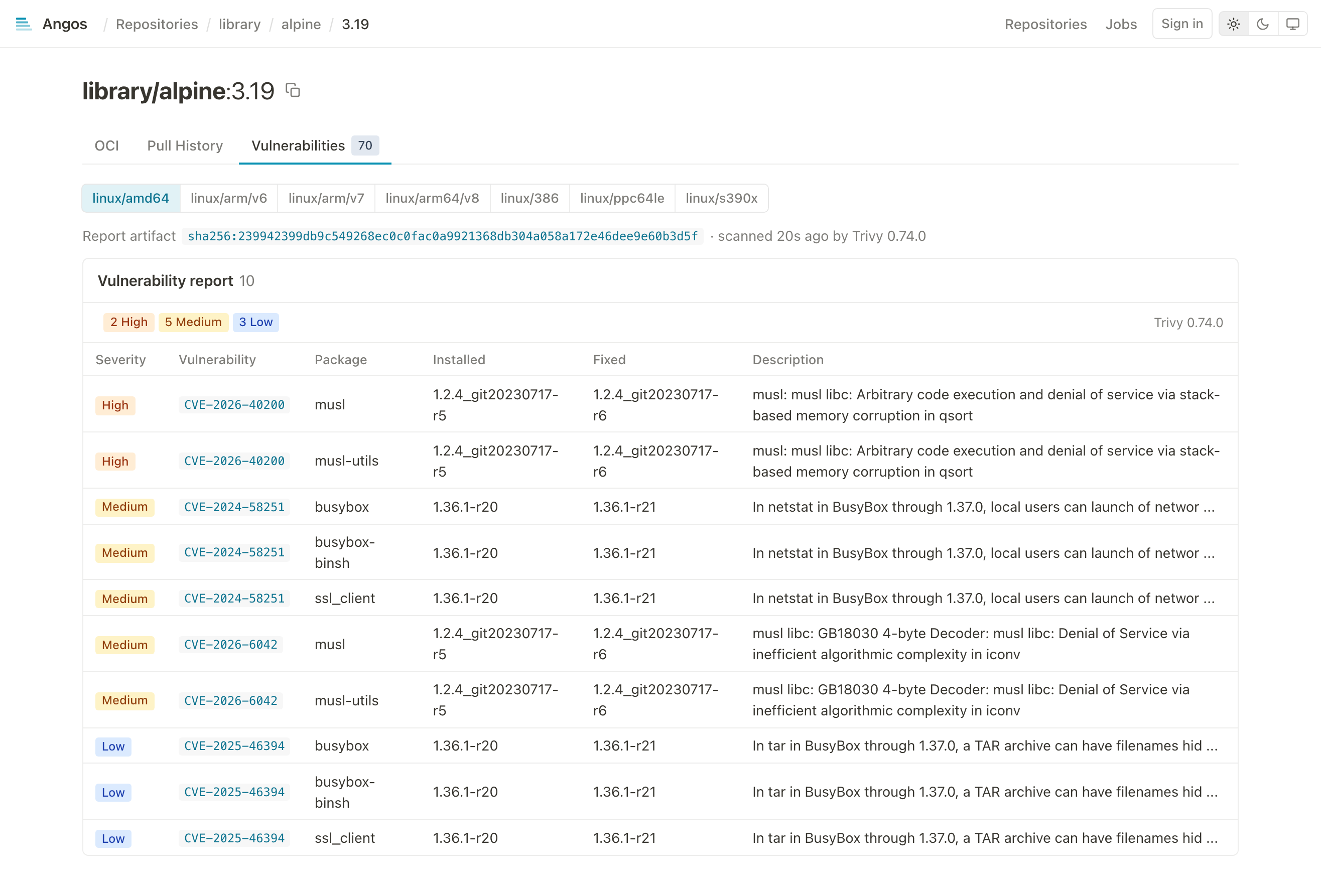
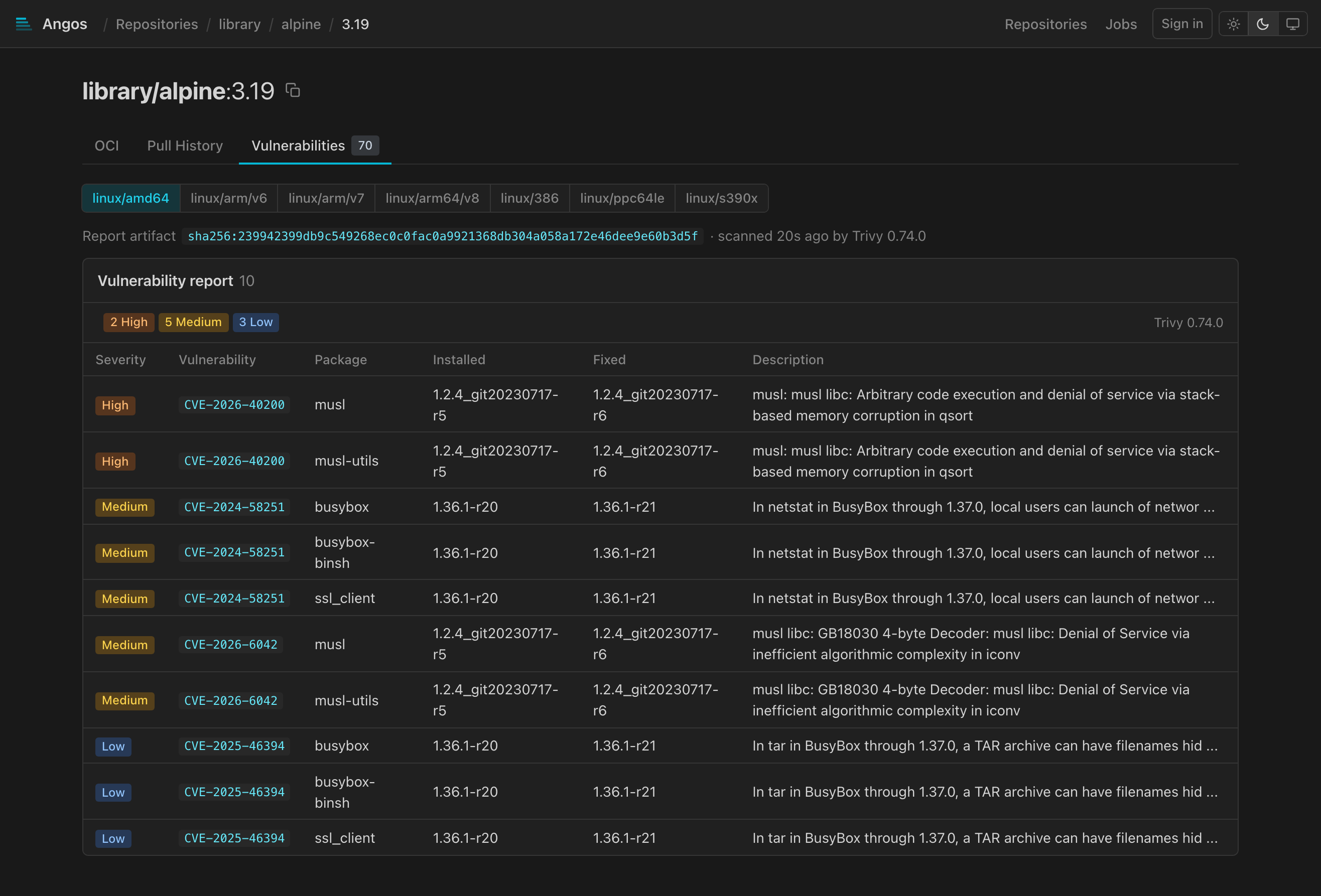
Vulnerability scanning
Trivy or Grype on push, the report kept next to the image.
Immutable tags
Protect release tags from being overwritten, with exclusions such as latest.
Web UI
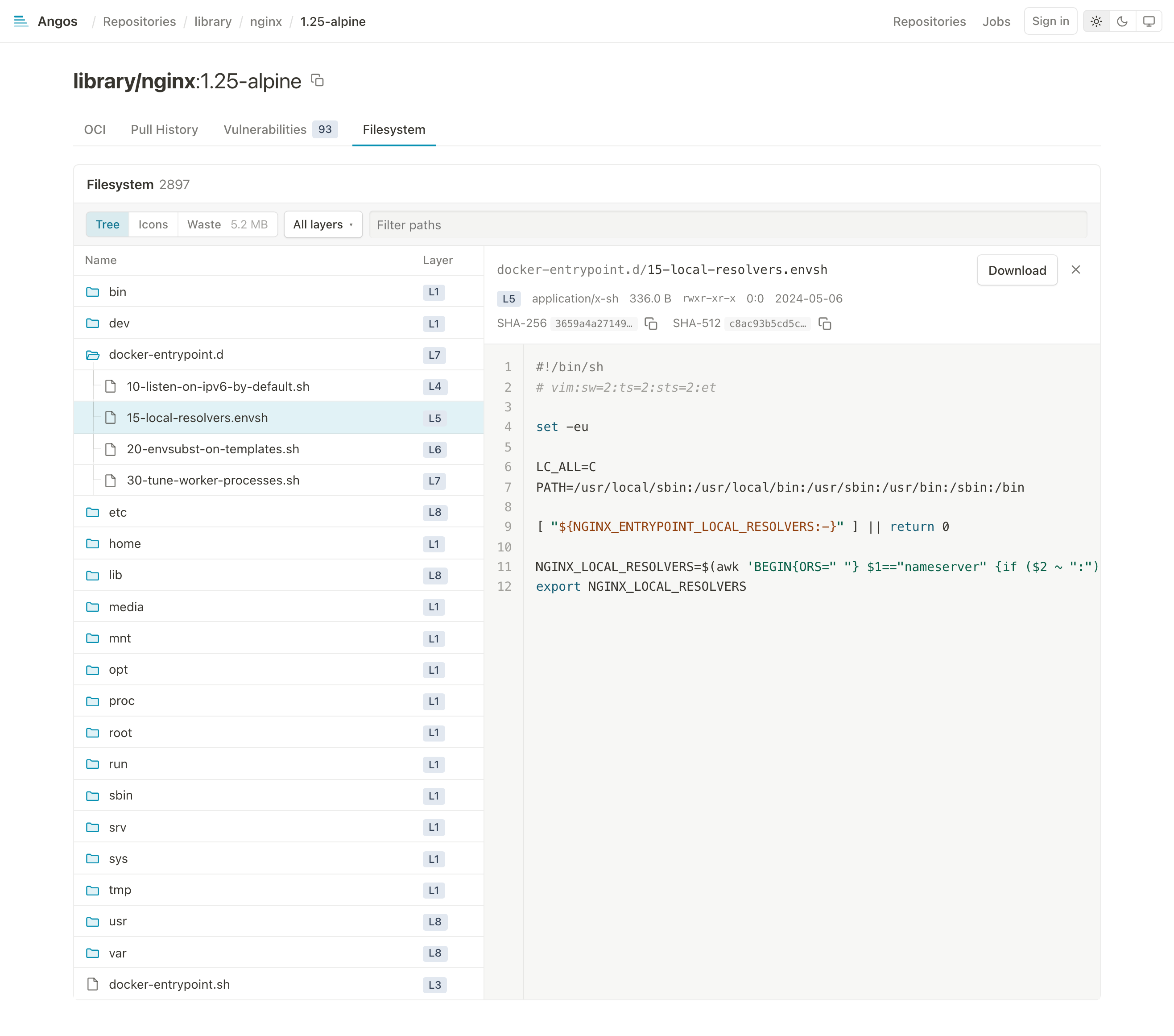
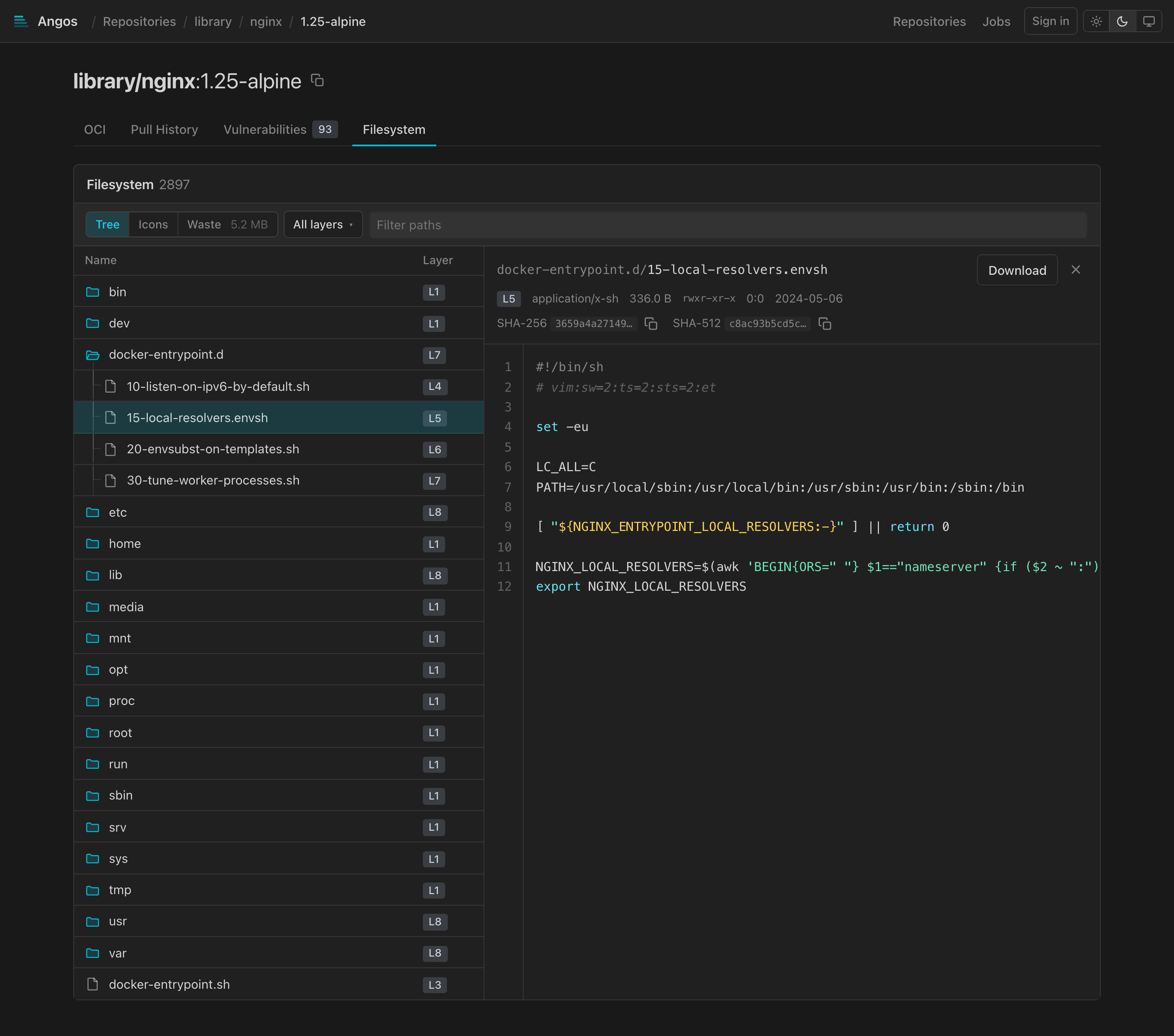
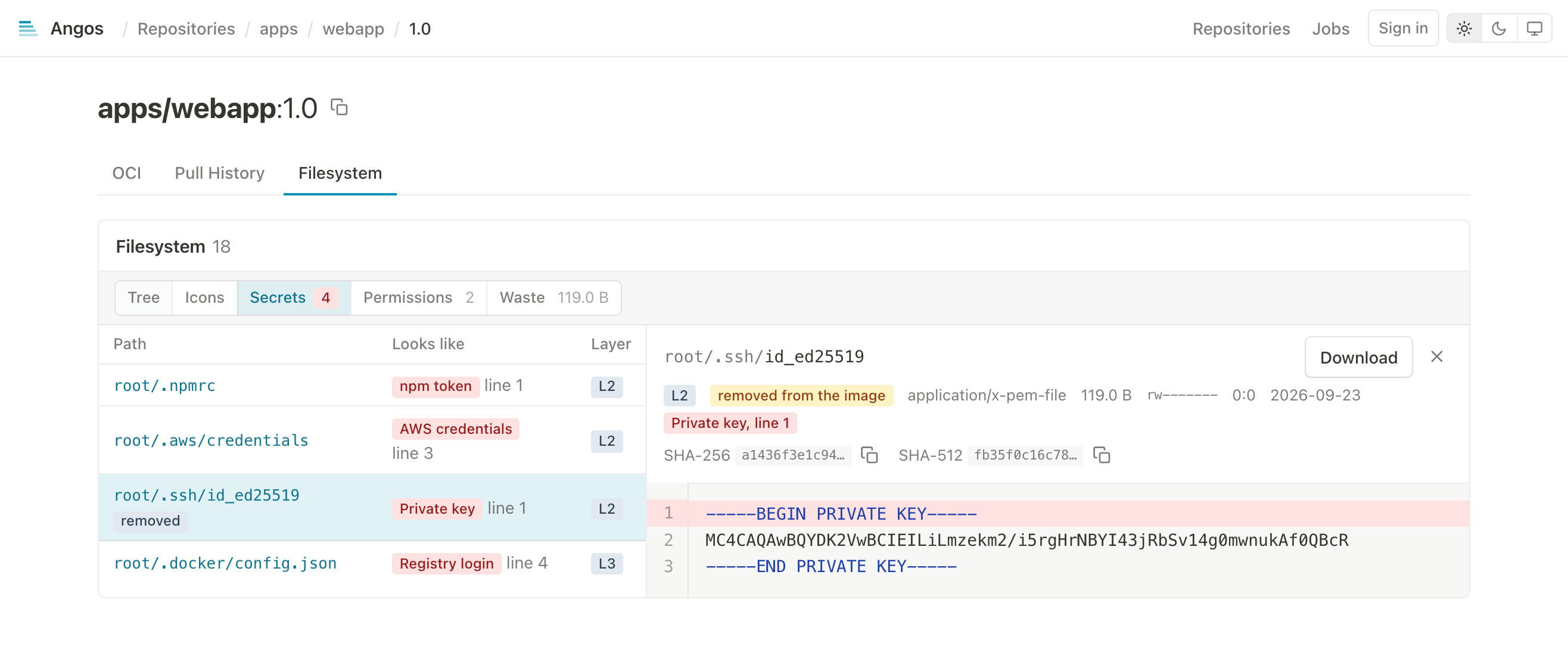
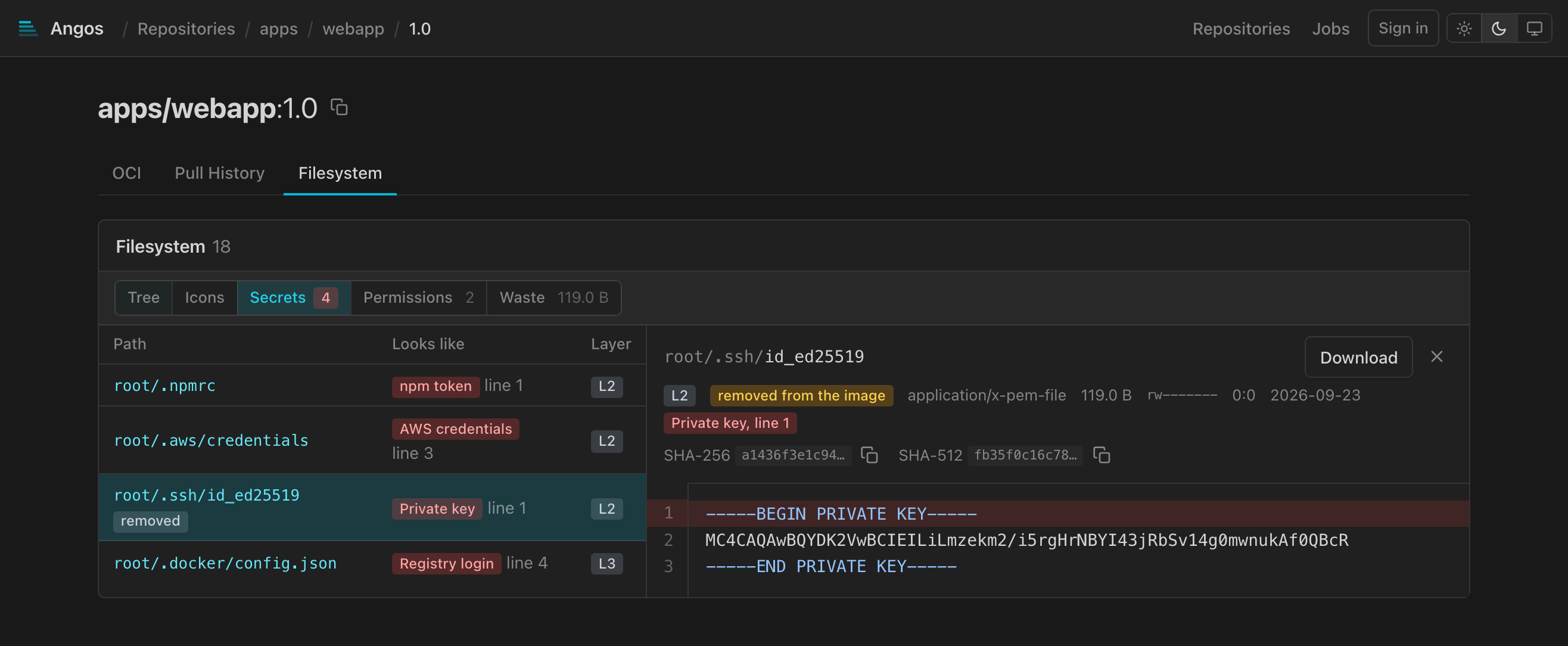
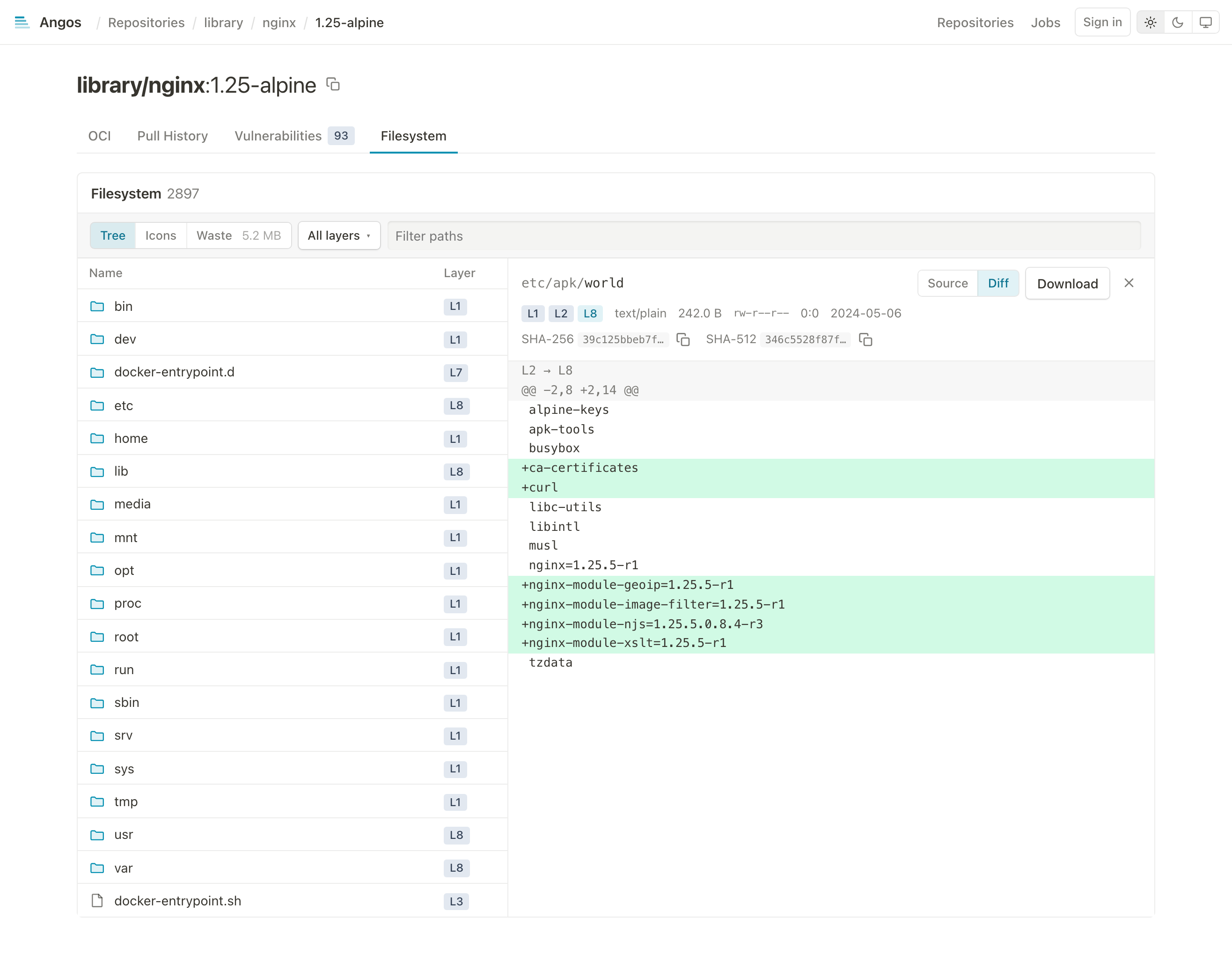
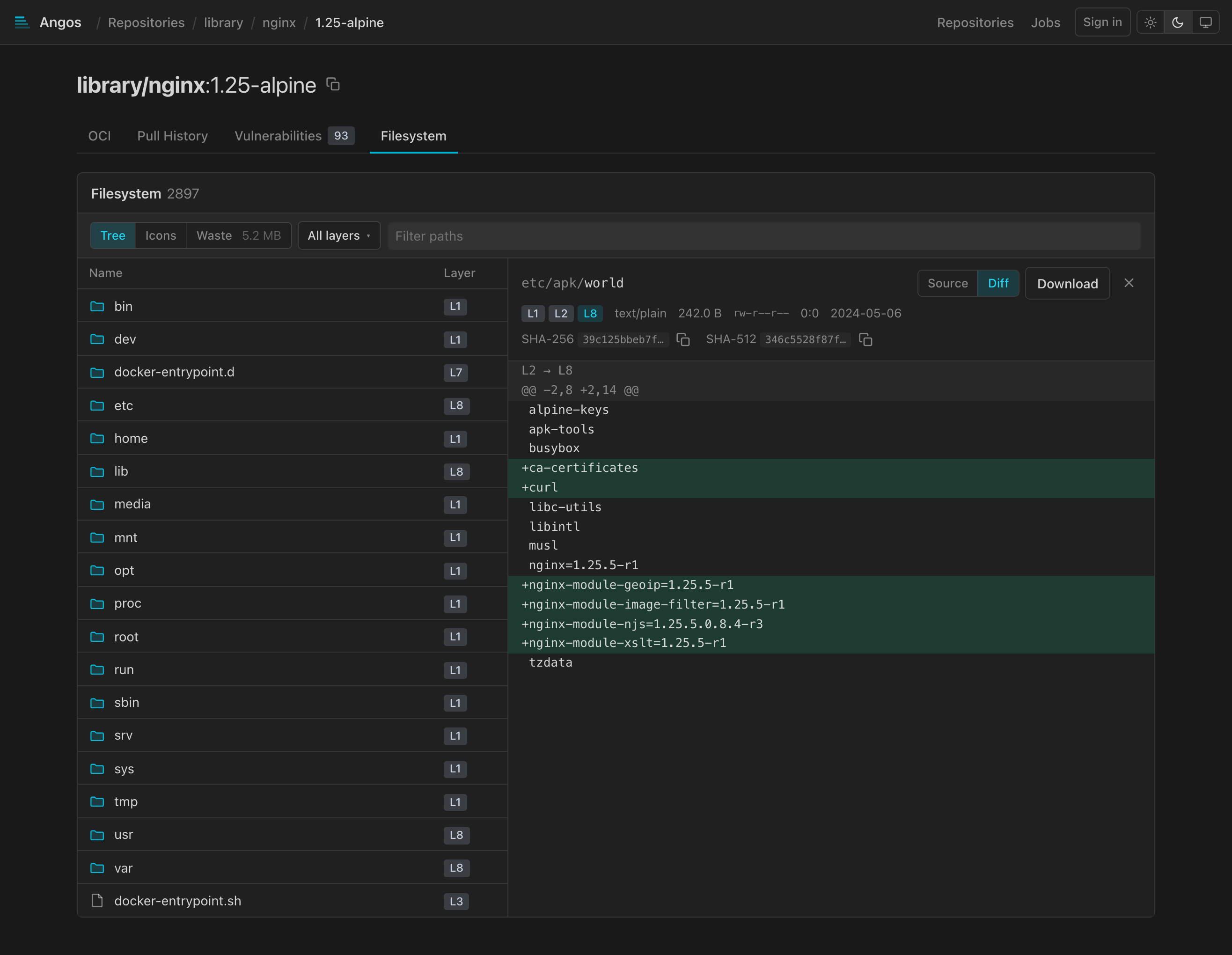
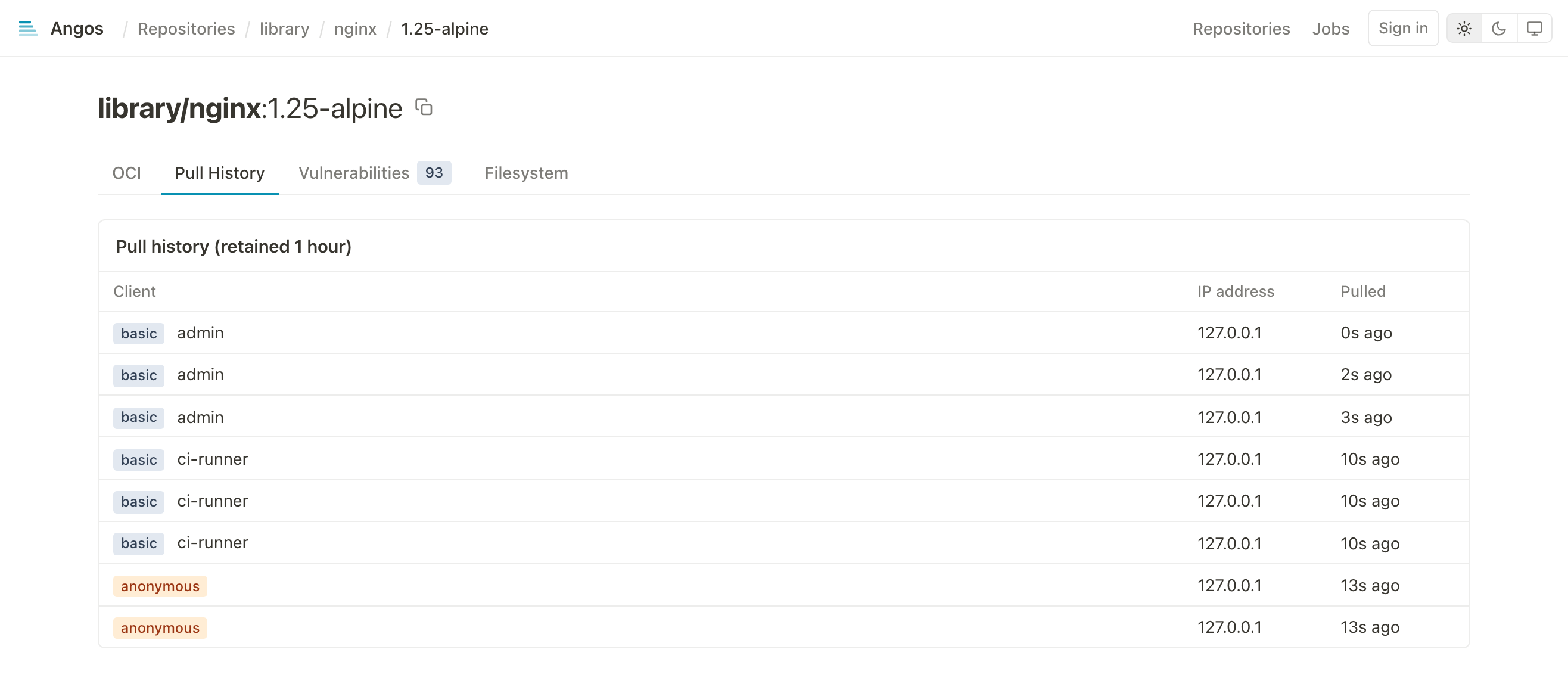
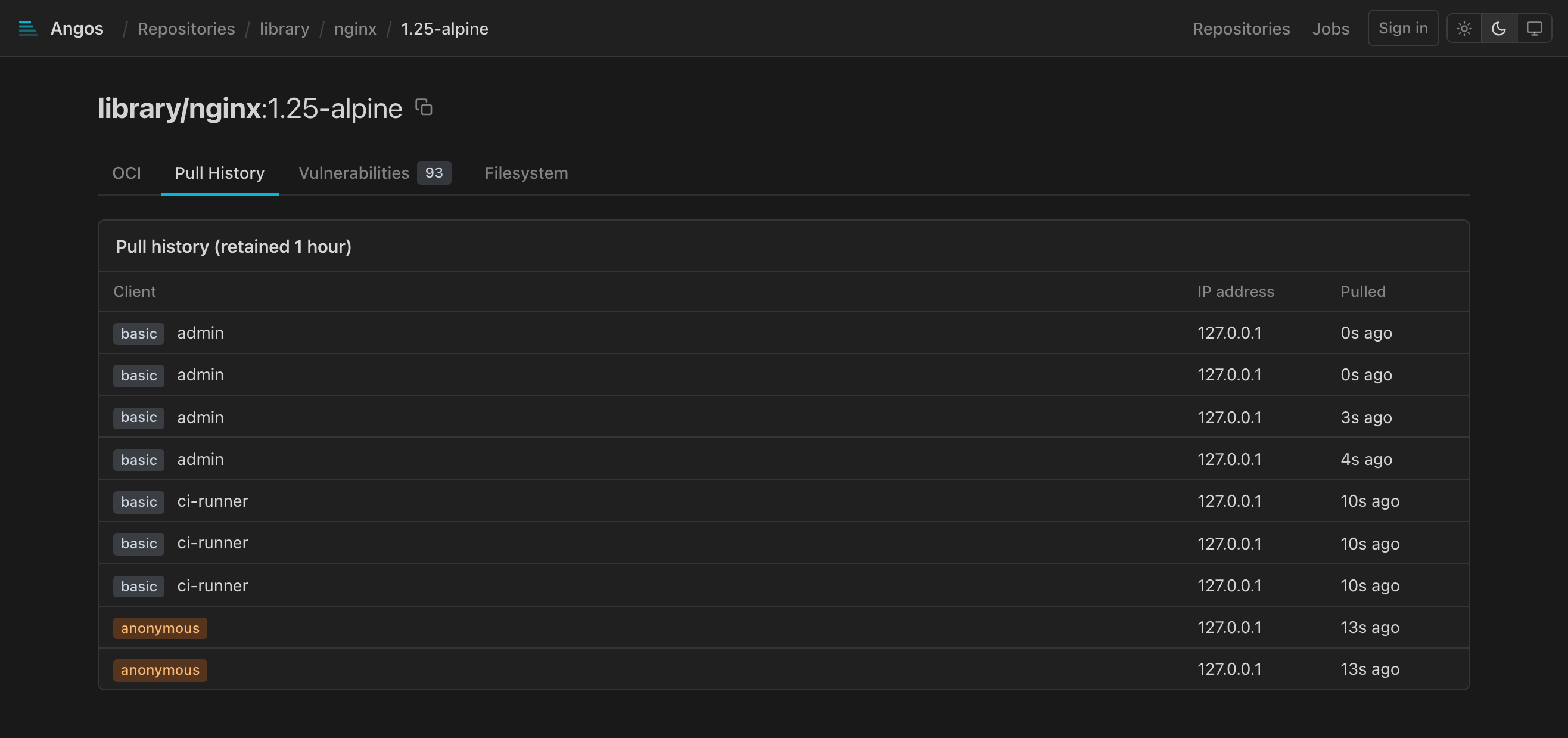
Browse repositories, manifests, referrers, pull history and image filesystems.
Also Mutual TLSWebhook authorizationEvent webhooksPrometheus metricsKubernetes
Configuration
Rules you can read
Access and retention are CEL expressions in one TOML file, reloaded on save. Here only main-branch builds of your organization's repositories may push to production, and its twenty newest images are kept.
Expression reference →[auth.oidc.github-actions]
issuer = "https://token.actions.githubusercontent.com"
[repository."production".access_policy]
default = "deny"
rules = ['''
identity.oidc != null &&
identity.oidc.claims["ref"] == "refs/heads/main" &&
identity.oidc.claims["repository"].startsWith("myorg/")
''']
[repository."production".retention_policy]
rules = ['image.tag == "latest"', 'top_pushed(20)']
Get started
Running in five minutes
- Download the binary for your platform.
- Write a configuration naming a storage and a repository.
- Start the server and push an image.
curl -LO https://github.com/project-angos/angos/releases/latest/download/angos-linux-amd64
chmod +x angos-linux-amd64

cat > config.toml << 'EOF'
[server]
bind_address = "0.0.0.0"

[blob_store.fs]
root_dir = "./registry-data"

[global.access_policy]
default = "allow"

[repository."test"]
EOF

./angos-linux-amd64 -c config.toml server &
docker tag alpine:latest localhost:8000/test/alpine:latest
docker push localhost:8000/test/alpine:latest
Nobody here speaks ancient Greek. Angos (ἄγγος) just sounded good, and means vessel.